How to Choose the Right Meme Template
Write the situation first. Compare what the people in each image are doing, then choose the version that tells your joke.

In this article
Start with the situation
A meme template gives you a scene or reaction to build on. The expressions, gestures and panel order affect how someone reads your caption.
Describe what happens
Write one sentence in your own words. For this guide, the situation is: ‘Me trying to finish one task while checking every new notification.’ You can use that sentence to compare formats before deciding on the final caption.
Decide which part is funny
You might want to show yourself hesitating between work and distraction, choosing the distraction, or already looking away from the task. Those are different versions of the same situation. Choose the one you mean to tell.
Read the image before adding text
Look at the faces and actions. Check who is reacting, what they are reacting to and whether the panels show a sequence. If the picture tells a different story from your caption, try another template.
One situation, three templates
These examples were manually captioned in Supermeme for this guide. Each uses the same task-and-notifications situation, with a different emphasis.
Two Buttons: pulled between two actions
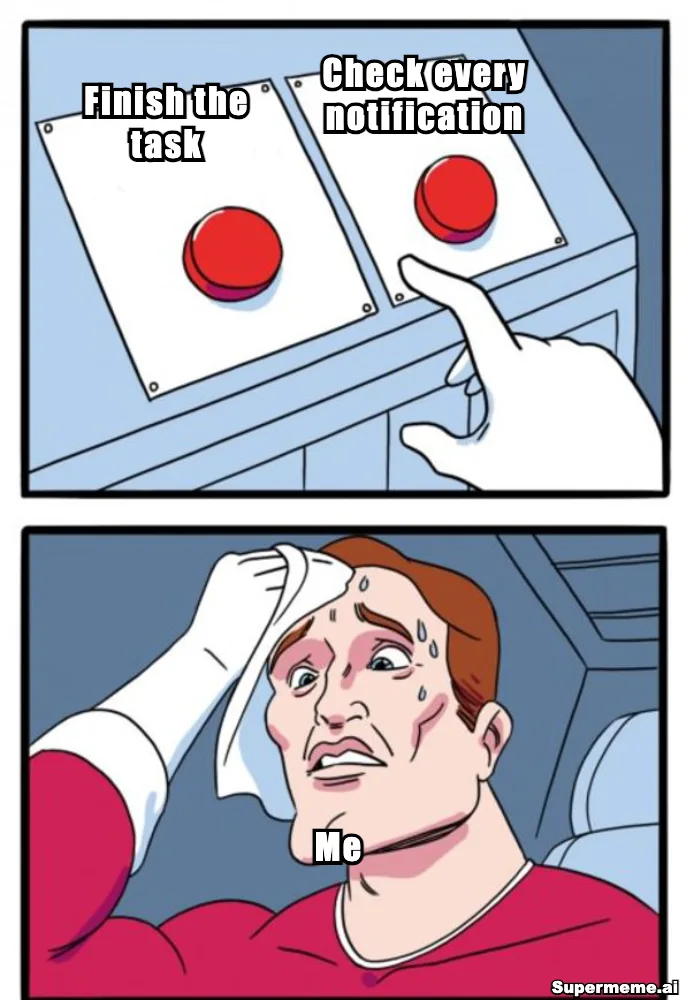
The hand hovers over the buttons while the person sweats. Use this version when the joke is about struggling to choose between finishing the task and checking notifications.
Caption text
- Left button: Finish the task
- Right button: Check every notification
- Person: Me
Drake: choosing the distraction
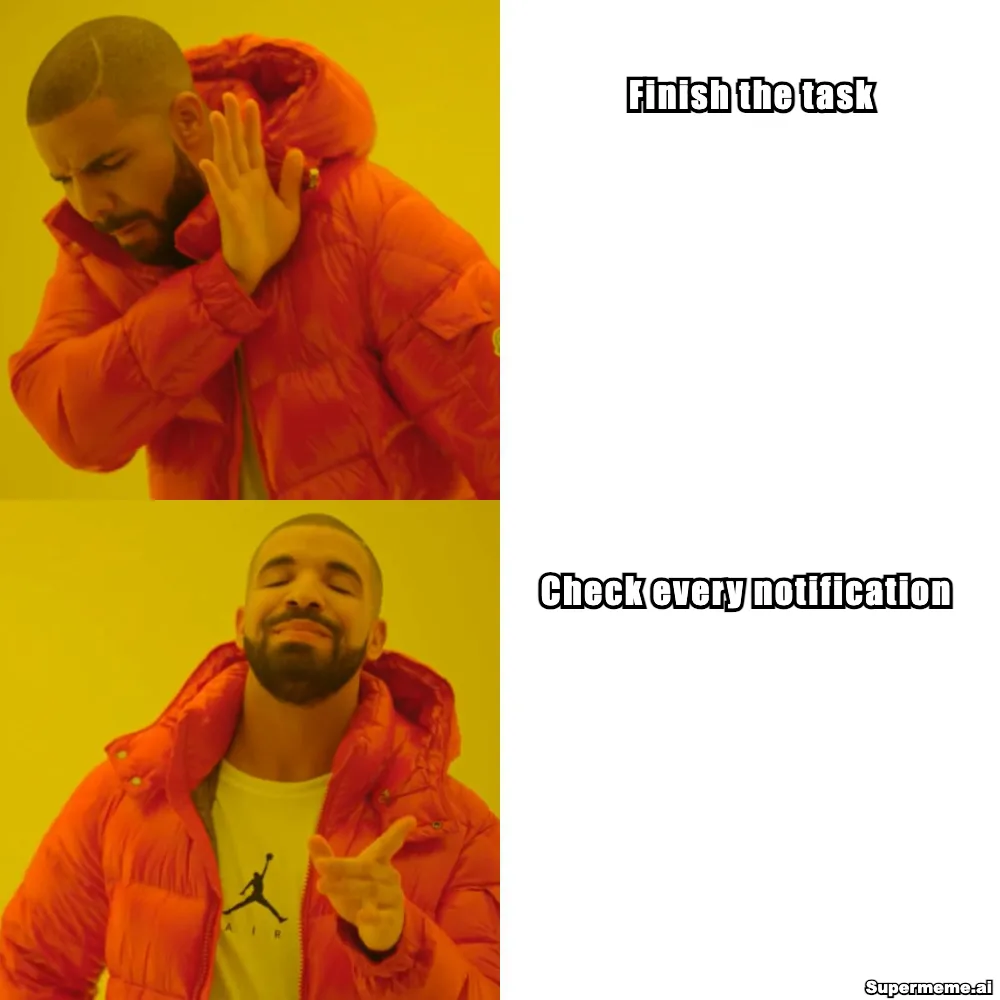
Drake rejects finishing the task and approves checking notifications. This version gives the character a clear preference. Choose it when the joke is that you keep picking the tempting option.
Caption text
- Top panel: Finish the task
- Bottom panel: Check every notification
Distracted Boyfriend: attention moving away
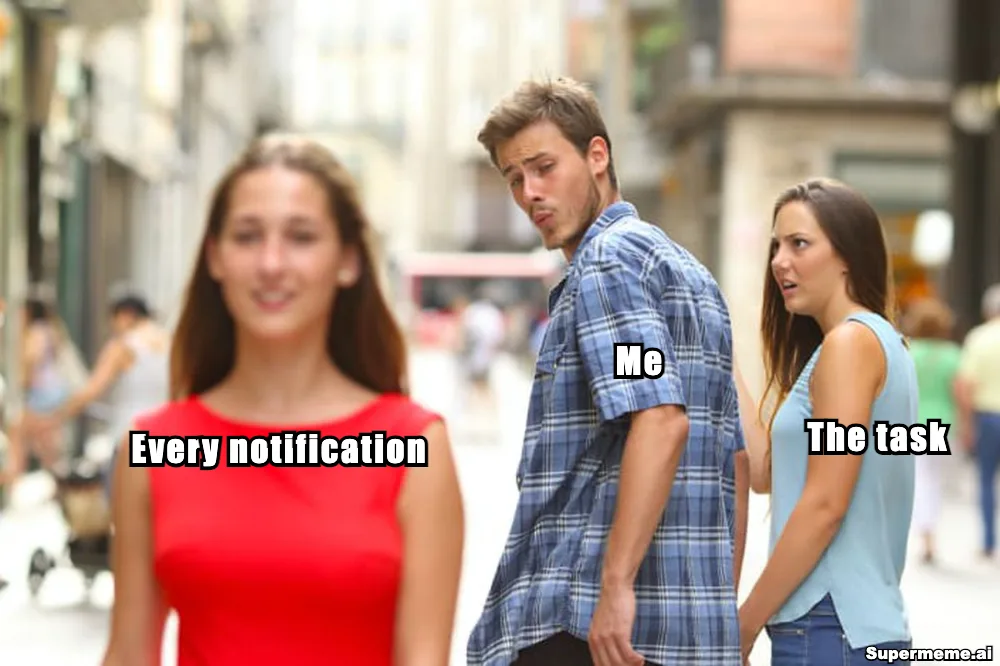
The man labelled ‘Me’ turns toward ‘Every notification’ while ‘The task’ looks on. Choose this version when you want to show a distraction pulling attention away from an existing commitment.
Caption text
- Woman in red: Every notification
- Man: Me
- Woman beside him: The task
For a joke about not being able to settle on an action, start with Two Buttons. If you want to admit that notifications keep winning, try Drake. Use Distracted Boyfriend to show the moment you abandon the task for another distraction.
Add or replace text layers with the example captions or your own version. Remove any remaining placeholder text before exporting. The finished images shown here are separate illustrations.
Check the fit before editing
Does the reaction match?
Cover the caption and read the scene. A pleased expression can change the meaning of a complaint. Make sure the picture supports the reaction you intend.
Is there room for the words?
Count the labels or panels your joke needs. Short labels suit small button spaces; a longer setup may need room above the image. Shorten the text or choose a less crowded layout if it hides a face or action.
Will your audience understand the reference?
Someone can understand a visible reaction without knowing the template’s name. A joke built on a specific film scene or community reference may need context. Ask a reader to explain what they think it means.
Does the scene suit the setting?
Review the background, gestures and associations as well as the caption. A template that works in a private chat may need a different treatment in a customer message or presentation.
Have you checked the image’s source?
Being available in a template library does not settle permission for a particular use. Check where the image came from and how you plan to share it.
For a work message, the business meme template guide shows examples and review checks for that setting.
Our U.S. meme copyright guide covers the rights questions involved in using an image.
Preview the finished caption at the size you will share it. If the lettering is hard to read, see the meme font guide.
Still image, GIF or video?
Choose the medium according to what carries the joke and where you will share it.
Still image
Use a still image when a face, scene or set of panels tells the story. The three examples above work this way: the caption and picture can be read together without waiting for an action.
GIF
Choose a GIF when the movement matters, such as a repeated eye-roll or slow clap. Watch the full loop and check that the caption is readable throughout it.
Video
Choose video when a sequence or spoken exchange carries the joke. Check whether it still makes sense with the sound off and whether your intended destination supports the clip.
If the idea needs a moving reaction, see the GIF meme workflow.
Find a template for your idea
Search using the reaction or action you want to show. ‘Choosing between two options’ gives you a starting point for a dilemma; ‘getting distracted’ describes the task-and-notifications situation.
Search for choosing between two optionsIf you already know the format’s name, browse the meme template gallery and compare its scene with your idea.
Need the image without someone else’s words? Follow the blank meme template guide to find a starting image or download a template.
Once you have chosen the format, the meme creation guide walks through adding captions, checking placement and downloading.
A suggested idea for the AI meme generator
Me trying to finish one task while checking every new notification.
Common questions about choosing templates
How do I choose between Two Buttons and Drake?
Two Buttons shows someone under pressure to choose. Drake shows one option being rejected and another approved. Decide whether your joke is about the dilemma or the preference, then use the matching scene.
Does my audience need to know the meme’s name?
A visible reaction may be enough to understand the joke. If the caption depends on a scene, character or inside joke, add context or choose a more familiar image. Ask someone in your intended audience to read the draft.
What if my caption is too long for the template?
Cut words that the picture already explains. Keep labels short and move a necessary setup into text above the image or the accompanying post. Choose another layout if the words still hide the important action.
Should I use a trending template?
Use it if its scene fits your joke and your audience understands the reference. Its popularity alone does not tell you whether the caption will make sense. Compare it with another format before deciding.
Can I use a template from a library in a brand post?
Review the image, caption and source for that use. A library listing does not itself establish permission or suitability for your audience. The U.S. copyright guide linked above explains the rights questions to consider.
Written by
Sanjeev NCCo-founder of Supermeme.ai. Building the default meme generator of the internet since 2022.