10 Clean Meme Templates for Professional Use
Choose a format for the point you want to make: a preference, a blocked goal or two teams doing the same work.

The captions shown here avoid profanity and sexual content. Some images still show physical comedy or recognizable people. Choose the image and finished caption for the people who will see it.
Each entry explains the visual joke, suggests new captions and links to its matching editor. The pictured captions are separate examples. Add or replace text layers with your own words, and remove any remaining placeholder text before exporting.
In this article
Choose for your audience
- Decide where it will appear. A joke about a shared team routine may need more context in a customer presentation or public post.
- Check who the joke targets. Write about your own habits or a shared process, and review wording that singles out a colleague or customer.
- Look at the whole image. Physical comedy, recognizable people and a format's associations can affect its tone even when the words are polite.
- Read the finished image at its intended size. Shorten crowded labels and keep essential instructions in the surrounding slide or post.
Also check the image's source and your permission or other legal basis for the intended use. Read the meme copyright guide.
Preferences and opinions
Drake Hotline Bling
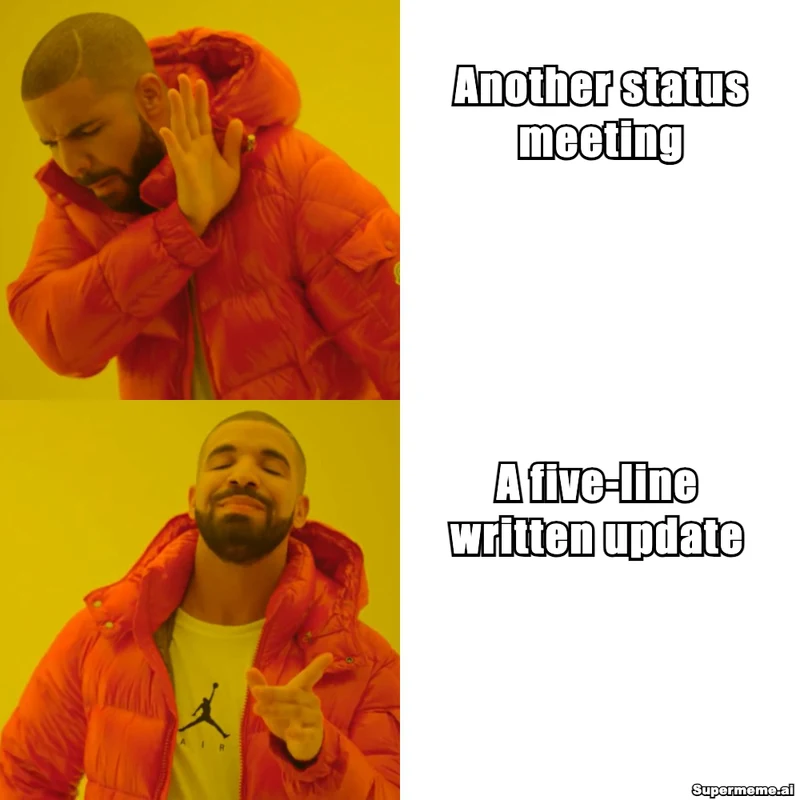
The upper panel rejects one option; the lower panel approves another. Use the two spaces to show a preference, such as replacing a recurring meeting with a written update.
Caption idea to try
- Top: Another status meeting
- Bottom: A five-line written update
Tone to consider
State a preference your audience can recognize. Keep the explanation nearby if the choice needs more context.
Both Buttons Pressed
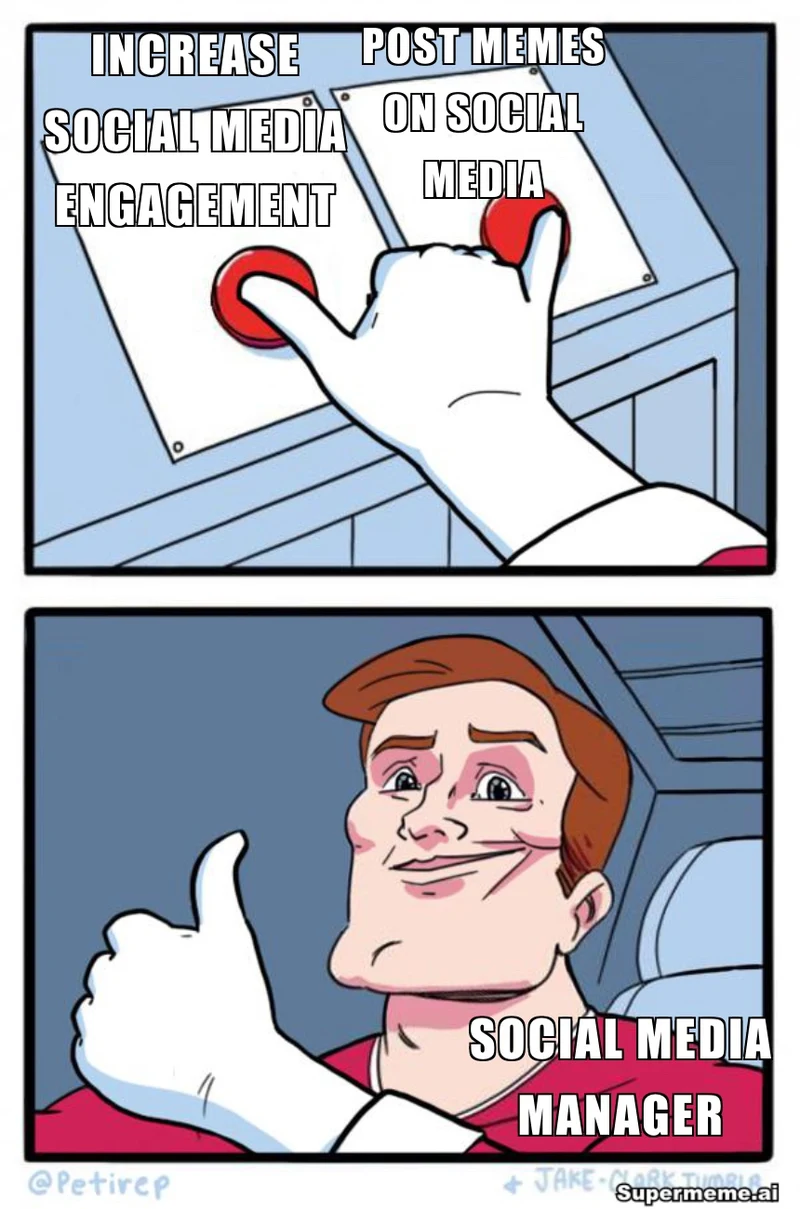
A hand presses both buttons, and the character gives a thumbs-up. Use it when you want two things together, such as an update that is brief and useful.
Caption idea to try
- Left button: Keep updates brief
- Right button: Include the next decision
- Person: Me writing the weekly update
Tone to consider
This version embraces both options. For a difficult choice, use the separate Two Buttons format with the sweating character.
Change My Mind
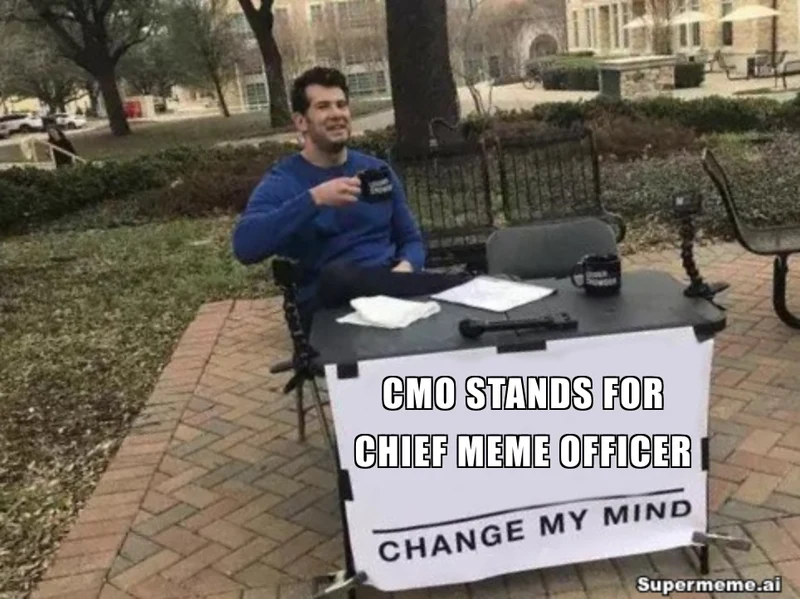
A person sits behind a table with a sign inviting disagreement. Put a short opinion on the sign when you want to open a discussion about a work habit.
Caption idea to try
- Sign: The agenda should arrive before the meeting
Tone to consider
Choose an opinion you are willing to discuss. Check the format's associations and the recognizable person in the photo before using it for a brand.
Blocked goals and duplicated work
Running Away Balloon
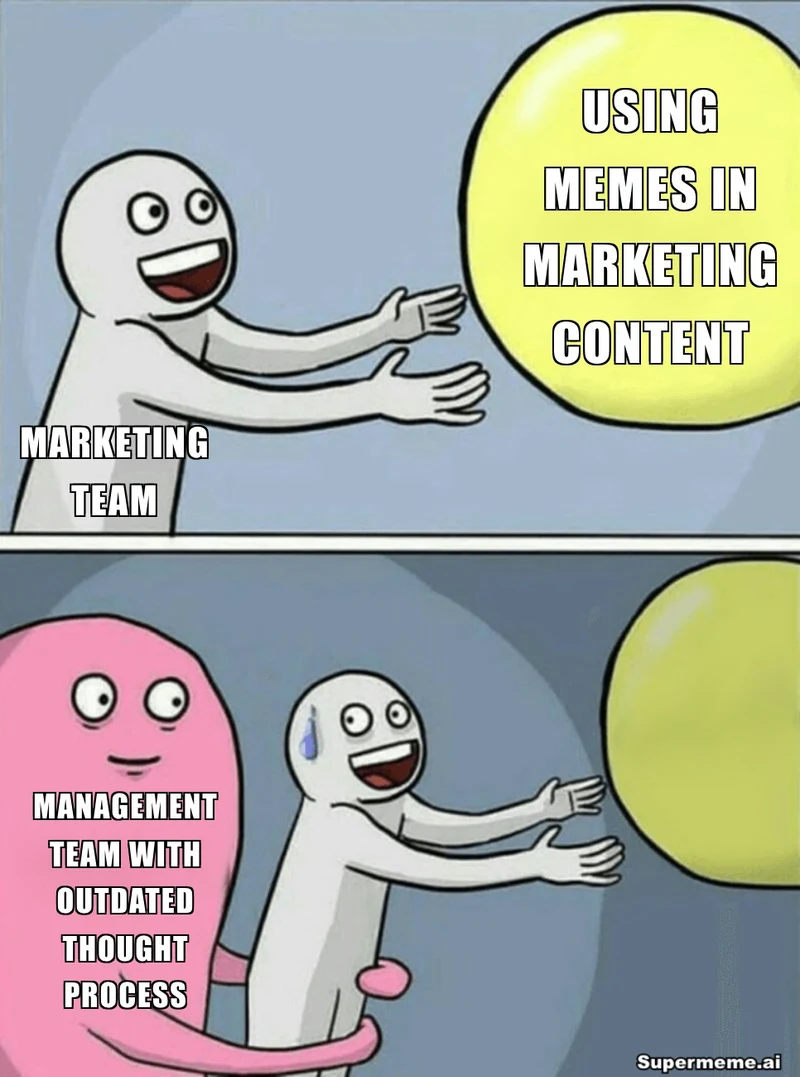
One character reaches for a balloon while another holds them back. Label the person, goal and blocker to show what is stopping a task from moving forward.
Caption idea to try
- Balloon: Publish the launch page
- Reaching person: Me
- Blocker: One missing approval
Tone to consider
Name a constraint people recognize. A process label keeps the focus on the obstacle instead of blaming an individual.
Spider-Man Pointing at Spider-Man
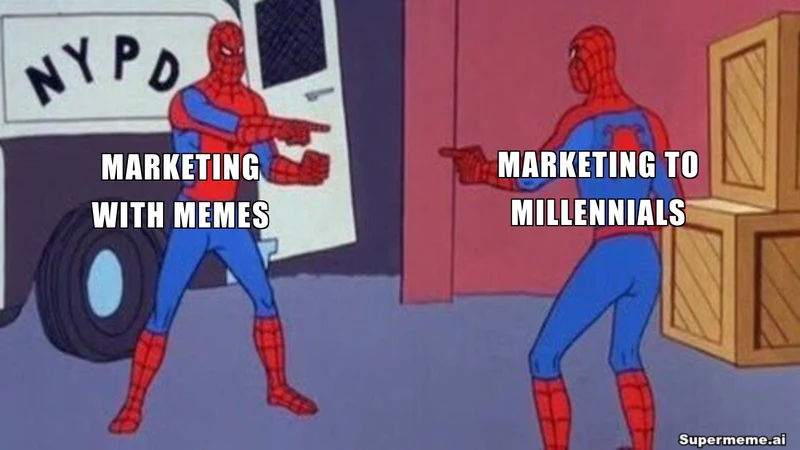
Two matching characters point at each other. Give them labels that reveal duplicated work or two people who thought they owned the same task.
Caption idea to try
- Left: Report I'm building
- Right: Report they're building
Tone to consider
Use it to point out overlap and start a conversation about ownership. Check that the caption reads as a shared discovery rather than an accusation.
Unexpected answers and hidden causes
The Rock Driving
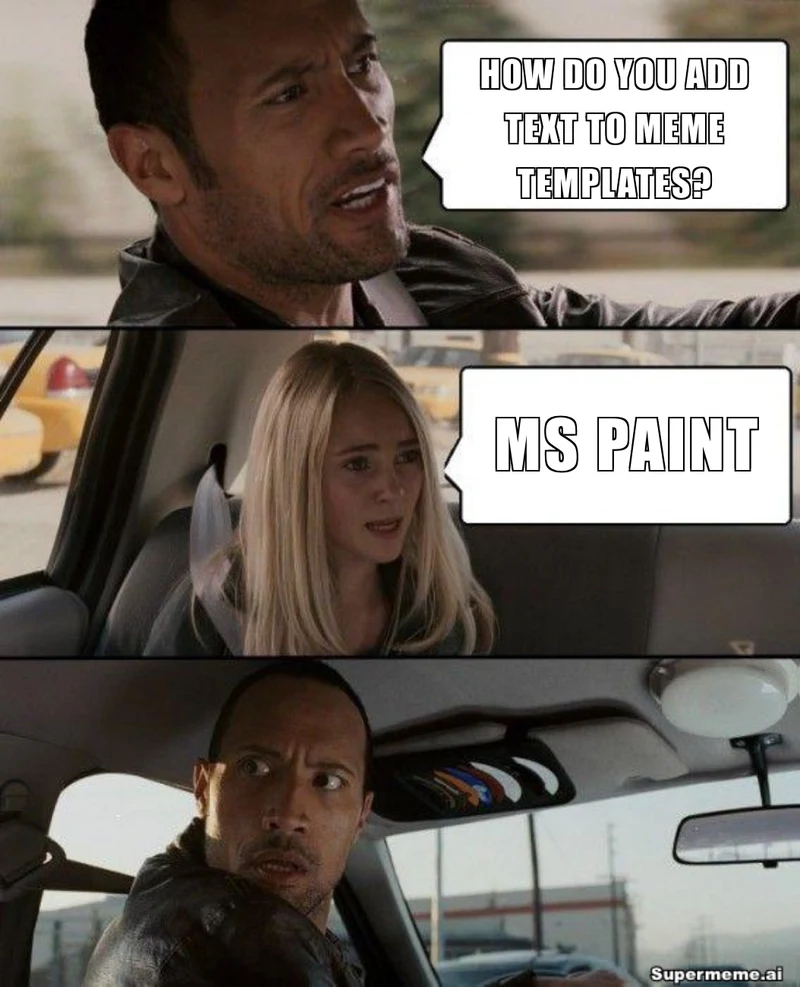
A question and answer lead to the driver's surprised look. The first two panels set up an unexpected discovery; the last panel supplies the reaction.
Caption idea to try
- Question: Where's the latest brief?
- Answer: In the chat from last month
Tone to consider
The surprise can be about your own forgotten process. Avoid putting a customer or colleague on the receiving end of the joke.
Scooby-Doo Mask Reveal
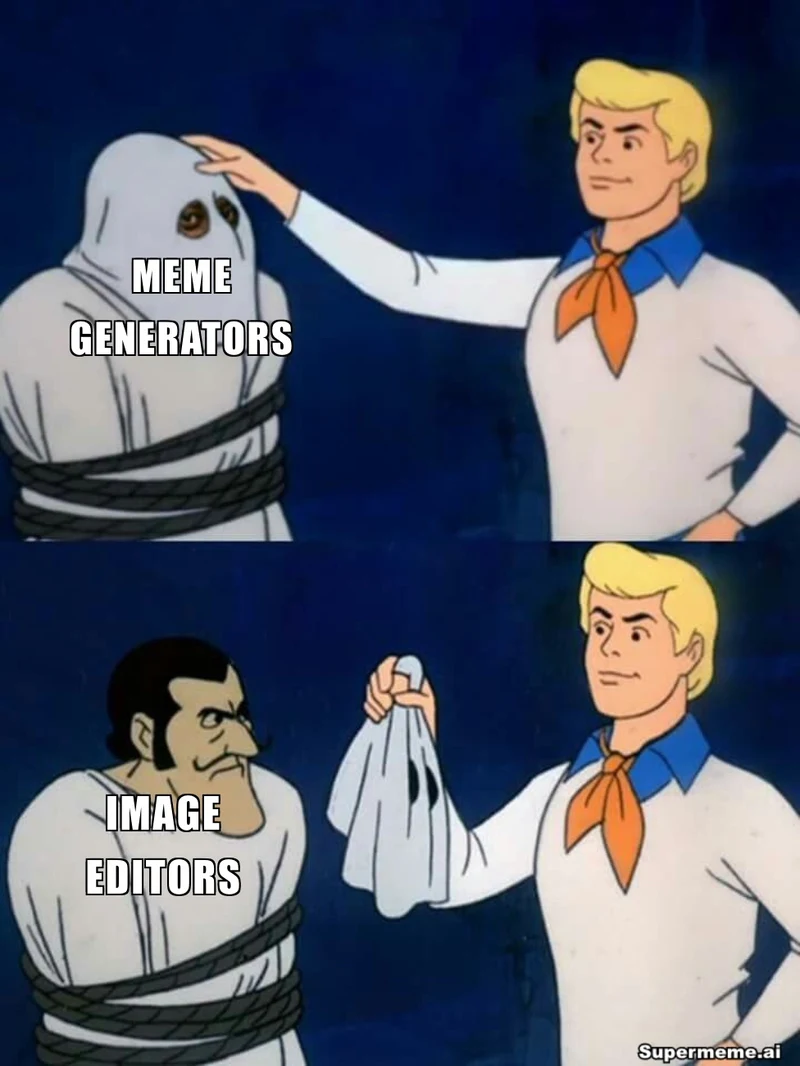
Removing a hood reveals the person beneath it. Label the apparent problem and the revealed cause to explain a discovery about a project.
Caption idea to try
- Before the reveal: The mysterious delay
- After the reveal: A missing file link
Tone to consider
Use a verifiable process problem for the reveal. The existing image's joke about meme tools is an illustration, not a product comparison.
Process jokes with a sharper tone
Boardroom Meeting Suggestion
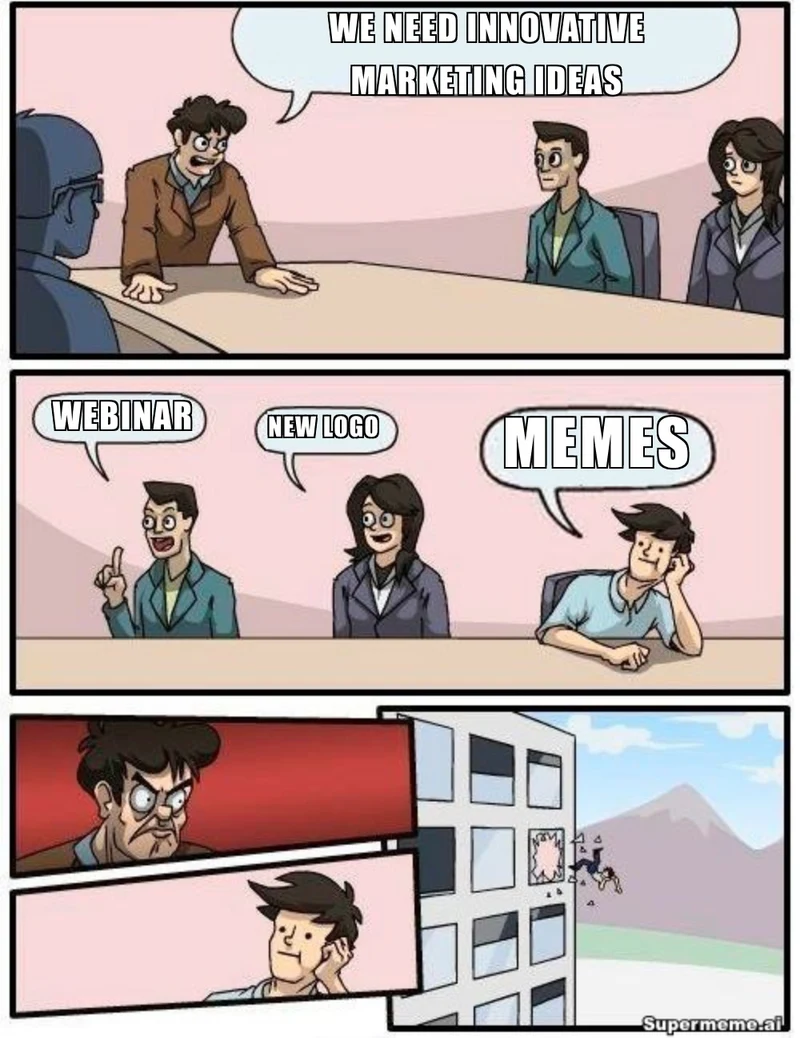
A meeting ends with an employee thrown through a window after making a suggestion. It exaggerates what happens when a group asks for ideas but rejects a change to its routine.
Caption idea to try
- Question: How should we shorten meetings?
- First answer: Use an agenda
- Second answer: Set a time limit
- Last answer: Cancel the meeting
Tone to consider
The window ejection gives this format a hostile edge. Consider a different image for a customer-facing message or a sensitive discussion about management.
Bike Fall
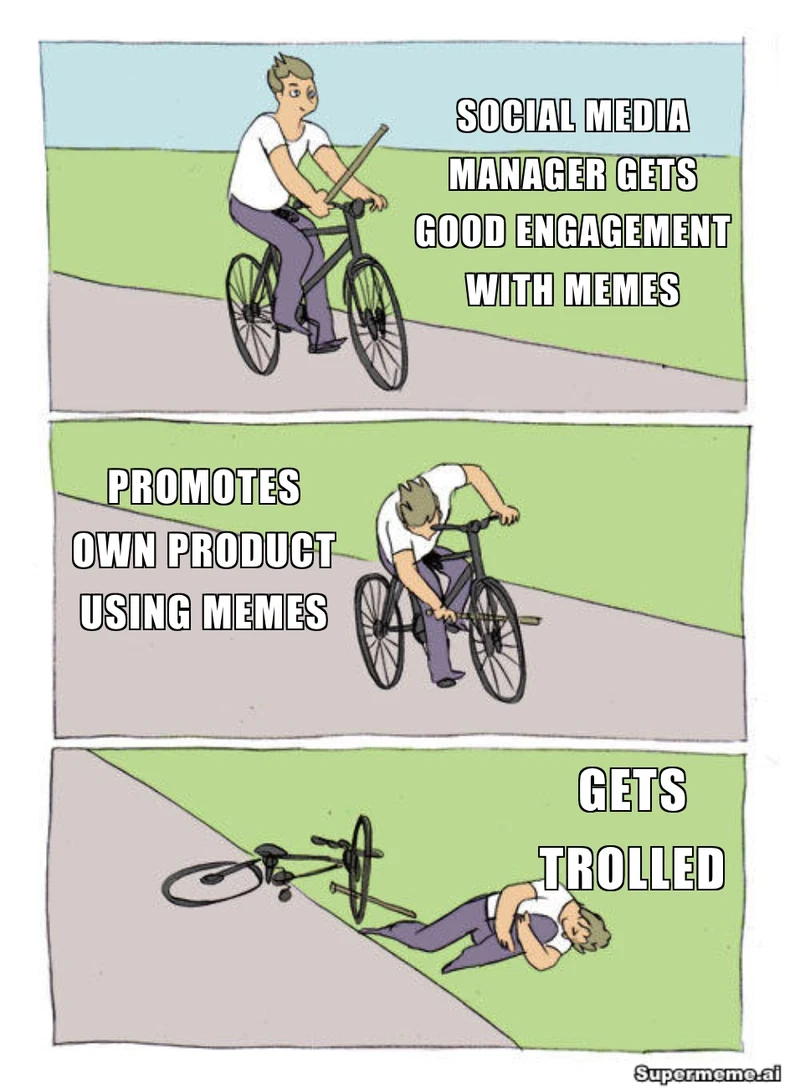
A cyclist puts a stick into their own front wheel and falls. Use the sequence for a plan that creates its own setback, with a caption for each stage.
Caption idea to try
- Riding: Scheduling every hour
- Stick in the wheel: Adding five urgent tasks
- After the fall: Wondering why nothing ships
Tone to consider
The image shows an injury. Keep the joke about your own planning or a shared process, and choose another format if physical comedy does not fit the setting.
Batman Slapping Robin
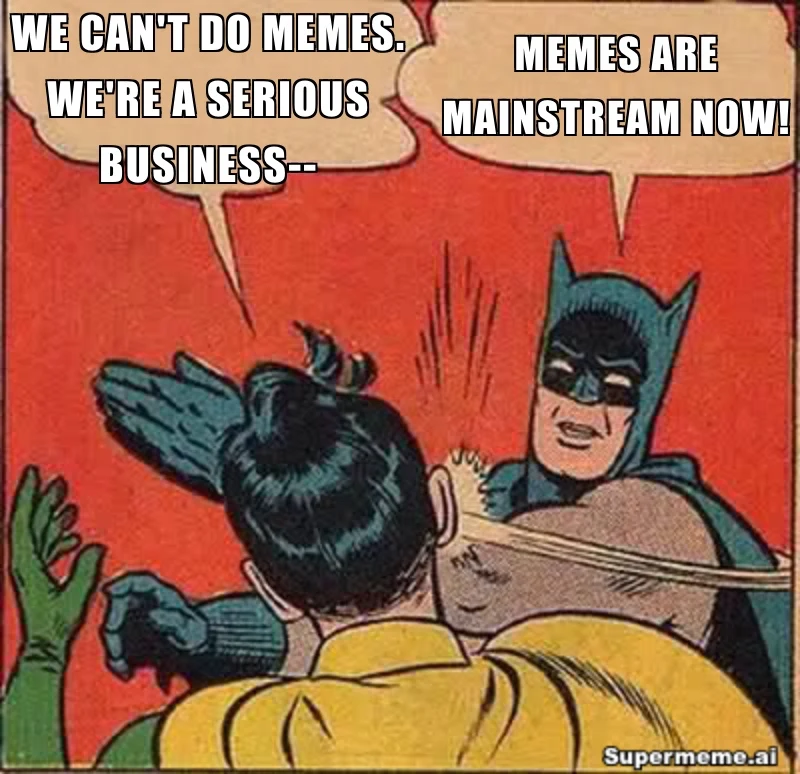
A comic-book slap interrupts a statement with a blunt correction. Two speech bubbles give you space for a suggestion and the response to it.
Caption idea to try
- Robin: Can we skip the backup?
- Batman: Let's keep the backup
Tone to consider
The slap can make even a polite caption feel aggressive. Review that tone before using it for feedback, training or an unfamiliar audience.
Write your version
- Open the matching editor. Add or replace text layers with your caption, and remove any remaining placeholder text. The captions pictured in this guide are part of the example images.
- Adjust the text boxes to fit the words and the relevant parts of the image. The suggested captions above are starting ideas you can change.
- Preview the completed meme at the size people will see it. Check the tone, spelling and image-use basis before exporting it.
For help with the wording, read how to write a meme caption.
For a broader guide to matching an image with a joke, read choosing a meme template.
Putting it in a slide deck? See using memes in presentations.
Using meme templates at work
What does clean mean in this guide?
The shown captions avoid profanity and sexual content. That does not make every image suitable for every workplace: some depict physical comedy or recognizable people. Review the whole image, its associations and your finished caption for the intended audience.
How should I choose for a customer presentation?
Start with the point the audience needs to understand. Choose a visual joke that makes sense with the surrounding slide, and consider whether its tone or backstory will distract from that point. Keep essential information in ordinary slide text as well.
Do the editor links load the captions shown here?
No. Each link opens the matching template; the shown captions belong to the example image. Add or replace text layers with your own words or adapt one of the suggested captions. Remove any remaining placeholder text before exporting.
Does a template link give me permission to use the image?
A template's availability in an editor does not establish permission for your use. Check the source and your rights or other applicable legal basis, including the intended channel and commercial context. An editing subscription or adding a logo does not resolve the underlying image rights.
Written by
Sanjeev NCCo-founder of Supermeme.ai. Building the default meme generator of the internet since 2022.