How to Use Memes in Cold Outreach
Start with the business reason for the message. A meme can illustrate a familiar problem, but the recipient should still understand your offer without the image. Here is how to choose the joke, place it in a short draft and review the response.

When a meme belongs in the message
Write the offer first. What can you help this person do, and why is it relevant to them? Then ask whether an image makes that point easier to understand. Leave it out if it needs a long explanation or distracts from the ask.
Jokes about missing quota or being ignored may belong in your team chat. They give a prospect little reason to respond. The sales meme collection serves that internal audience; an email needs its own recipient context.
The sender’s view
These earlier illustrations are jokes about sending email. They are not examples of campaign performance.
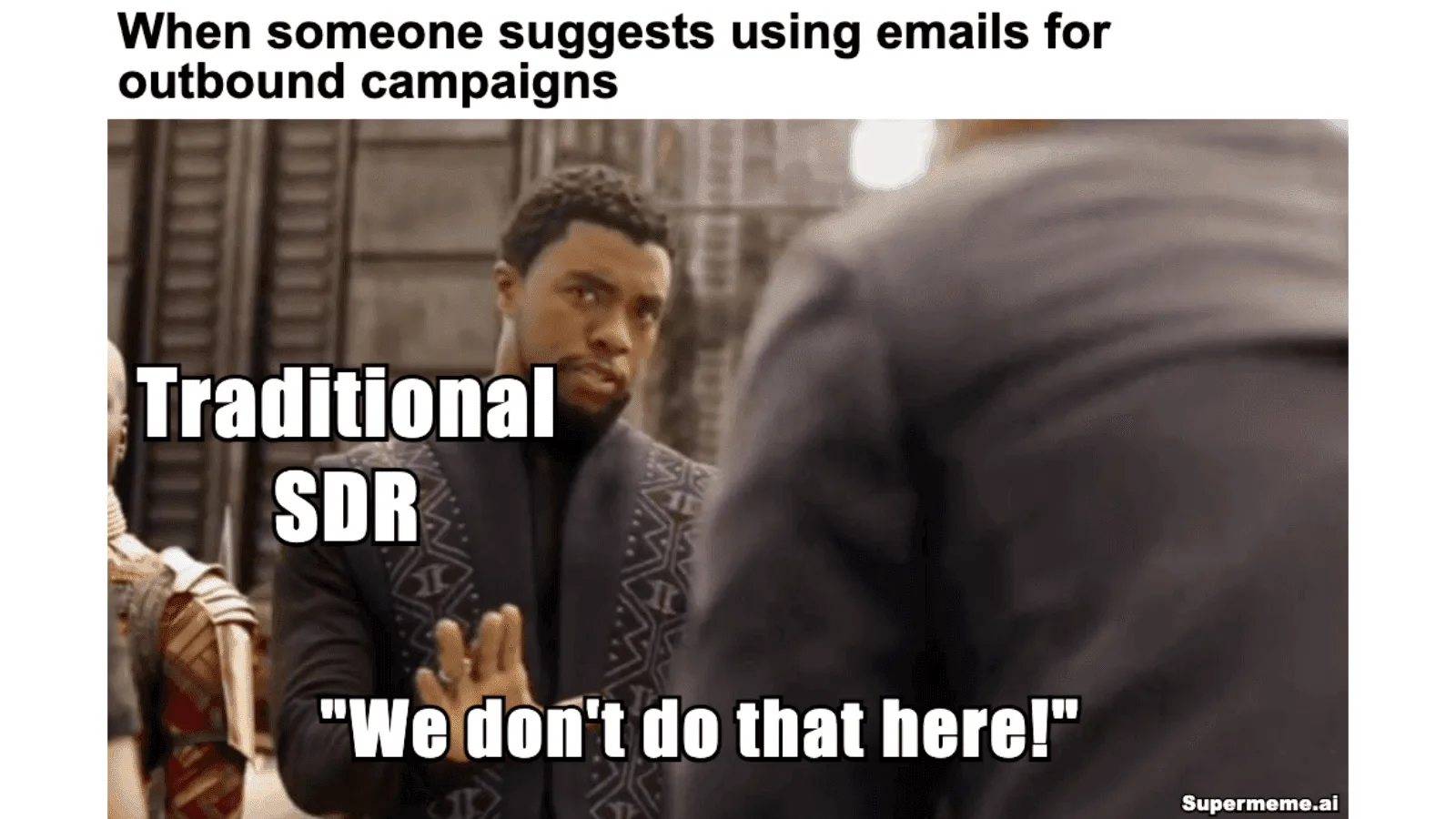
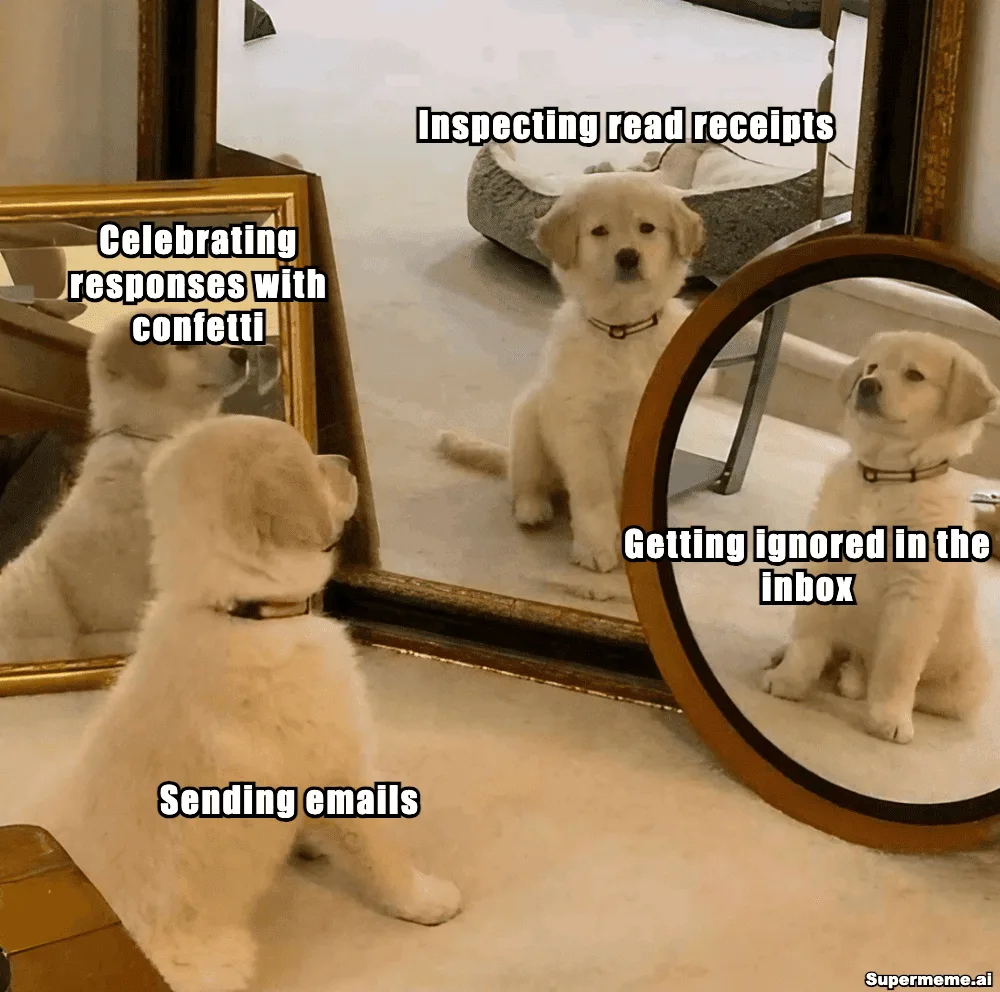
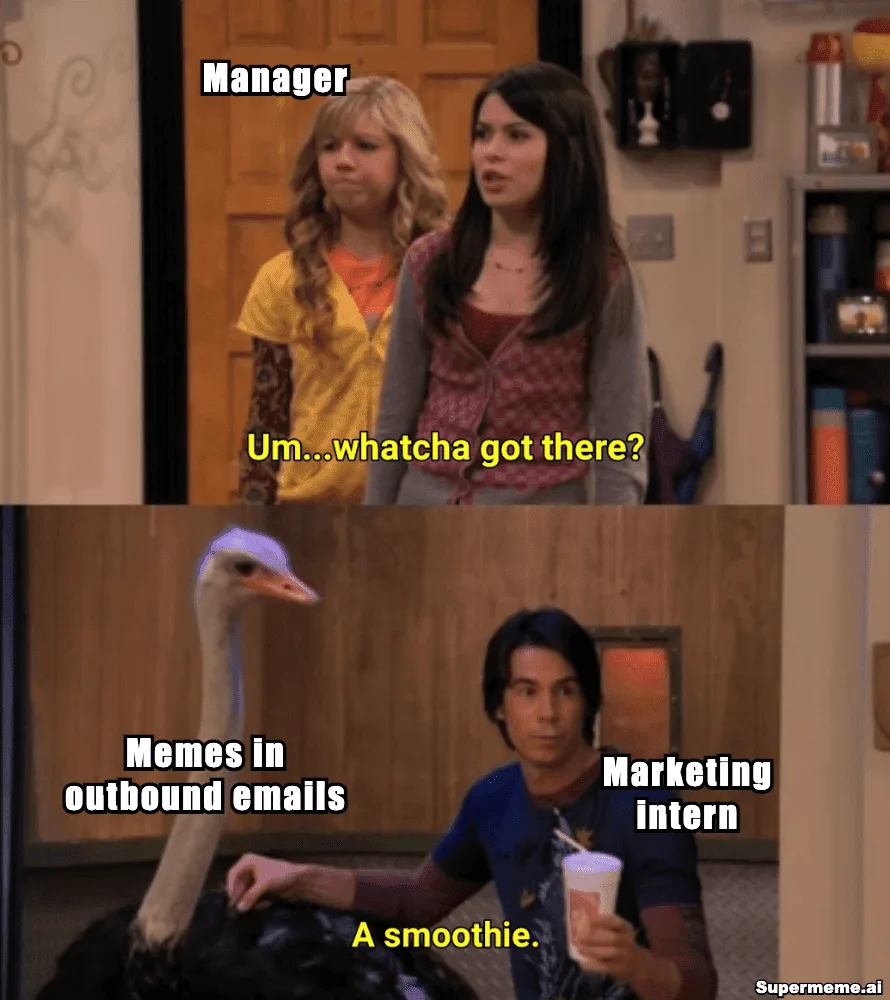
Choose a joke about a relevant task
A job title alone does not tell you someone’s sense of humour or how their team works. Use a detail you have actually checked, such as a public post about a process. Keep the joke about the task or your own experience; avoid making the recipient look careless or demanding a reply.
Read the whole image, including its original dialogue and watermark. Decide who each character represents. Our template-choice guide shows how to match a situation to a format. A familiar template still needs a rights review for your intended use; the U.S. meme copyright guide explains what to check.
Worked draft: which tracker gets updated first?
This fictional example assumes a sales-operations recipient has posted about tracking follow-ups in several spreadsheets. The sender has a checklist to offer. Use that context only if it is true for your recipient and you have a valid reason to contact them.
Put the context before the optional image and one clear ask after it. The Two Buttons joke shows the sender deciding which tracker to update first. It does not diagnose the recipient’s workflow.
Fictional email excerpt
Subject: A follow-up checklist for your team
Hi [Name],
I’m [Sender] at [Company]. I saw your public post about tracking follow-ups in several spreadsheets.
Optional meme goes here.
I’ve put together a blank follow-up checklist for sales teams. Would a copy be useful to compare with your current setup?
[Sender]
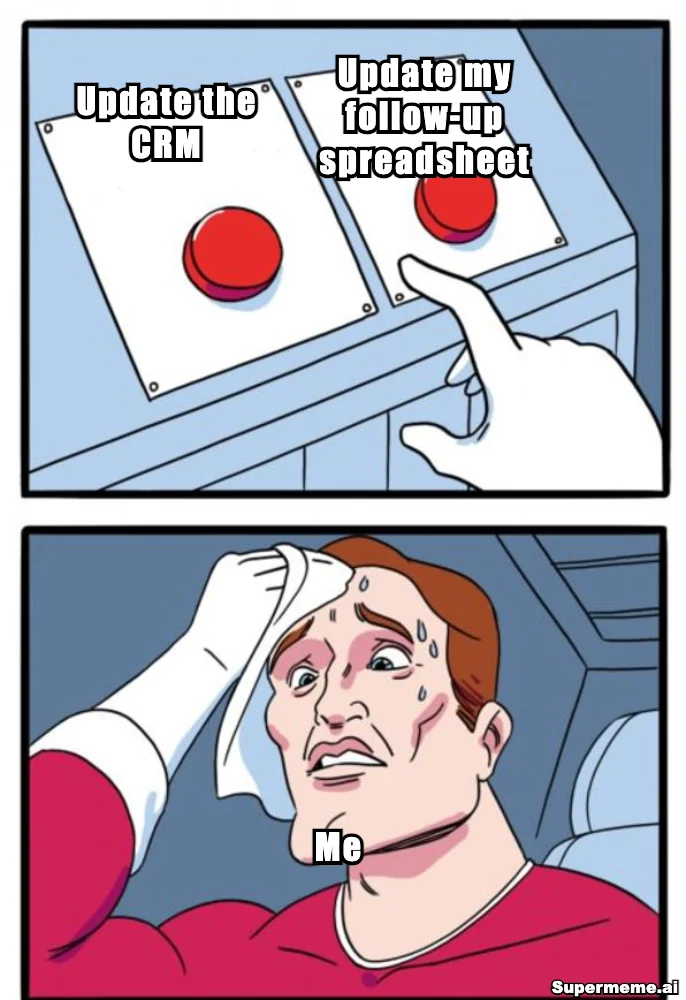
Remove the image and the message still names the context, the resource and the ask. That is the text-only check. The excerpt is not a complete email: replace the placeholders and add the sender information and disclosures required for your actual message.
For U.S. commercial email, the FTC’s CAN-SPAM guide covers business-to-business messages too. Its requirements include accurate sender details and subjects, advertising identification, a valid postal address and a way to opt out. Check the rules that apply to your audience elsewhere as well.
Check the actual message before sending
- Preview the subject and body at phone size. Keep the subject accurate; do not add “Re:” to imply an existing conversation.
- Review the message with images off. Gmail lets recipients ask before displaying external images, so keep your offer and ask in ordinary text.
- Use the image handling your email tool supports, and add a useful image description where available. Check that the captions are readable in its preview.
- Check links, sender details and opt-out handling in the finished message. A small file or hosted image does not guarantee inbox placement.
To make your own version, open the Two Buttons editor and add or replace text layers with your own labels. It opens the template, not this finished illustration. The meme-creation guide covers manual editing and export.
A separate idea to try with AI
Me deciding whether to update the CRM or my follow-up spreadsheet first after a sales call.
The link below fills this suggested situation for review. Change it before generating if needed. It may produce different templates or captions from the manual example.
Reassess each follow-up
Sending a first email does not establish that someone read it or wants another. At each step in your sequence, check whether further contact is appropriate and whether you have something useful to add. There is no automatic point where a meme becomes the right choice.
If the recipient asks for a resource, send the resource. Match their tone and keep the reply focused. If they object or opt out, stop marketing contact. Silence gives you no reliable explanation of what happened; a guilt joke about being ignored adds pressure without answering that question.
Compare useful replies and unwanted responses
Decide what a useful response means before comparing versions: a request for the checklist, a relevant question or an agreed next action. For a similar audience you are permitted to contact, compare the same subject, offer and body with and without the optional image. Keep the send window and sequence stage comparable, and change one thing at a time.
- Record delivered-message counts, useful replies and agreed next actions. State the denominator you use for each rate.
- Record opt-outs, complaints and delivery failures as well. Read the replies for confusion or objections.
- Keep results by audience and sequence stage. A few replies do not establish that memes work across every campaign.
Opens and image loads do not explain interest or silence. Google’s sender guidance says it cannot verify third-party open rates and that low opens do not necessarily indicate a delivery problem. Check the sending tool’s delivery information separately.
For audience selection and campaign planning beyond a single message, continue with the meme marketing strategy guide.
Questions about meme emails
Do memes improve cold-email replies?
There is no guaranteed improvement. Use one when it explains a relevant point, and compare useful replies and unwanted responses with a similar message without the image.
Should I use a meme in the first email or a follow-up?
Judge the recipient and message each time. A previous email does not prove they read it or want another. Check applicable rules and leave out a joke that needs too much explanation.
What if the meme image does not load?
The recipient should still understand why you wrote, what you are offering and what you are asking. Keep those details in ordinary text and review the finished message with external images off.
Will a small hosted image keep the message out of spam?
No image format guarantees inbox placement. Check provider requirements, sender authentication, recipient expectations and complaints separately from how the image displays.
Can I legally use memes in marketing emails?
Review both the image’s rights for your intended use and the rules for contacting the recipient. These are separate questions that vary by jurisdiction. A familiar template or public email address does not settle them.
Will the generator reproduce the worked example?
The suggested situation fills the prompt for review and may produce different images or captions. The illustration was manually edited. Its editor link opens the template for you to caption. Add or replace text layers and remove any placeholder text before exporting.
Written by
Sanjeev NCCo-founder of Supermeme.ai. Building the default meme generator of the internet since 2022.
Start with your situation
Describe the task or dilemma you want to illustrate. Review the captions and image before using them in a message.
Open the meme generator