Social posts
Turn a post idea or observation into something people can understand before they finish scrolling.
Describe the situation in any of 110+ languages. Supermeme finds a fitting template and generates captions you can edit.
Borrow one of these, then make it yours.
You do not need to know the template name or arrive with a finished joke. Start with the situation. Supermeme handles the first draft.
Write the thought, observation, campaign idea, or mildly painful work moment you want to turn into a meme.
The AI searches for fitting templates and writes captions that use the template correctly.
Adjust the caption and text placement, then download the version that says what you meant.

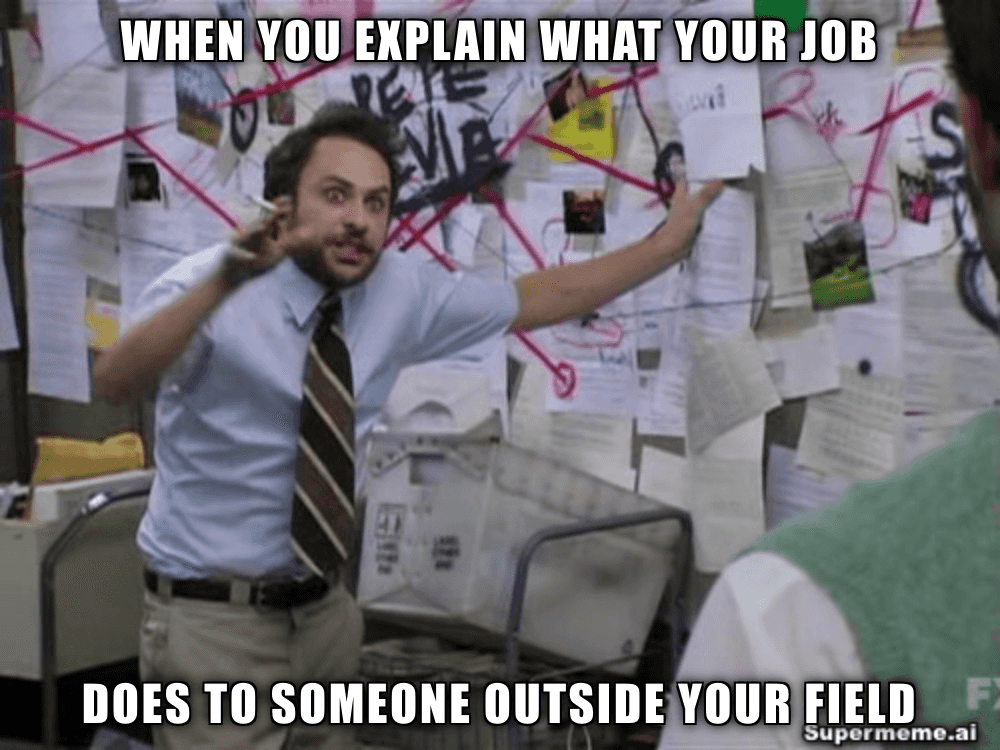
A text to meme generator is most useful when it starts with a real message, not a hunt through hundreds of blank templates.
Turn a post idea or observation into something people can understand before they finish scrolling.
Generate several creative directions from one campaign thought before committing to the final execution.
Say the familiar thing everyone at work recognises, without writing another paragraph about it.
Give a dense point a visual hook that makes it easier to remember and discuss.
The practical details, without pretending an AI can guarantee that the internet will laugh.
You can edit captions and placement before downloading. The first draft is a starting point, not a legally binding meme.
Describe a situation or idea, generate the results, and choose the meme that fits. Supermeme matches your text with relevant templates and creates captions you can edit before downloading.
No. Describe the situation and Supermeme will suggest templates that fit the meaning. If you already know the template you want, use the template-based meme generator instead.
Yes - use the 'Use your own photo' option to upload any image, then describe the action or emotion happening in it rather than what's literally in the frame. The AI reads intent, not pixels, so 'exhausted after a long shift' works better as a prompt than 'person sitting at a desk.' Supermeme generates caption options sized to fit your upload.
Yes. Generated memes are editable. You can change the caption and adjust how the text sits on the template before downloading it.
Supermeme supports meme generation in 110+ languages. You can set different input and output languages from your account preferences.
You can try the text to meme generator with free monthly credits. Paid plans add more generations, remove the Supermeme.ai watermark, and include additional features.
Yes. Switch the composer from Images to GIFs and use the same kind of text prompt.
Yes. The Supermeme meme API can generate memes from text inside an app, bot, or content workflow. API access depends on your plan.
Write one sentence. Keep the good result, edit the almost-good result, and ignore the rest. That is the whole workflow.