
Archive: April 2022. This tutorial shows an earlier Supermeme interface. The theme dropdown, template-description editor and credit counts in the screenshots are historical.
The example used a flight-path image to show a captioning problem: identifying what an image contains can miss the action that makes it useful for a joke.
Current ways to caption an image
- For AI caption ideas tied to a chosen image, use the themed meme generator. Choose or upload an image and enter a topic.
- For an idea without a chosen image, describe the situation in text-to-meme.
- To write and position your own captions, use the manual meme maker.
The meme creation guide explains how to check the reaction, wording and text placement before sharing.
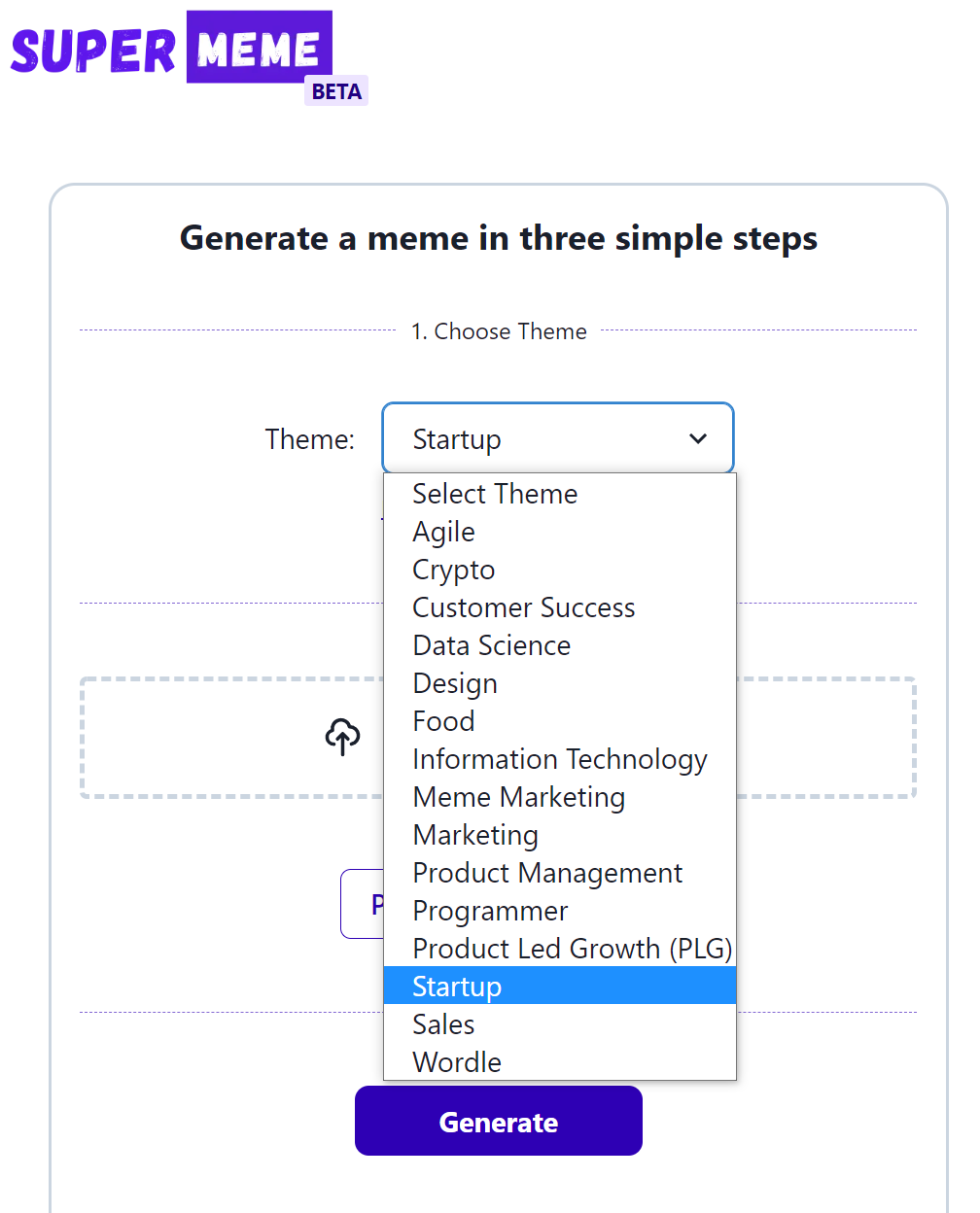
Step 1: Choose a theme
In the 2022 tutorial, we selected Startup from the theme dropdown. That topic gave the caption suggestions a business context.
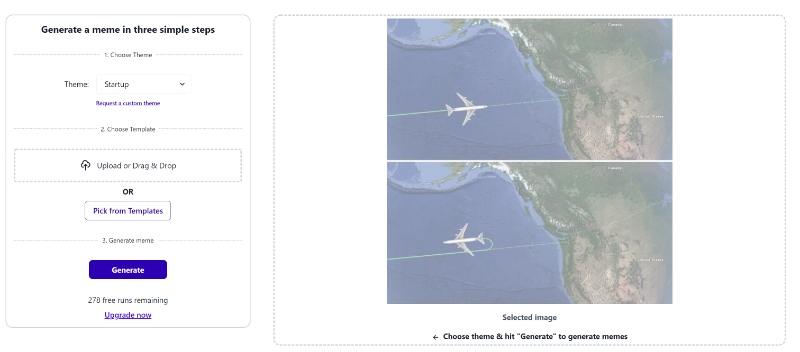
Step 2: Upload a template
The earlier interface offered an Upload or Drag & Drop control. We uploaded a two-panel flight-path image, which appeared faded in the panel on the right. The plane travels forward in the first panel and turns back in the second.
Step 3: Generate a meme
After selecting Generate, the tutorial showed this caption about a startup acquisition and flying first-class.
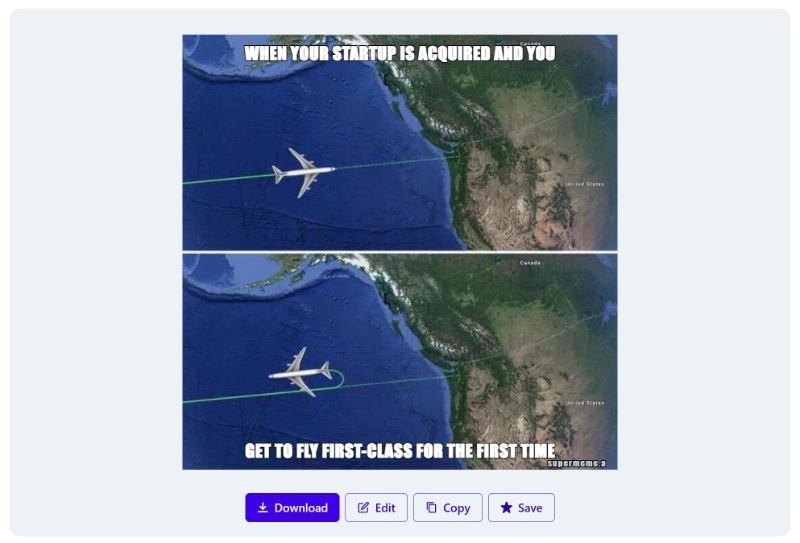
The original description, “A map of a flight,” focused on the image’s contents. It missed the change of direction. The first-class caption referred to flying, but it did not explain why the plane turned back.
That distinction matters when reviewing a caption: does it match the action in the image, or does it just mention something pictured?
Step 3.1: Edit meme template description
In that interface, the first generation changed the button to Regenerate and revealed an Edit template description link. The current generator does not show this description editor.
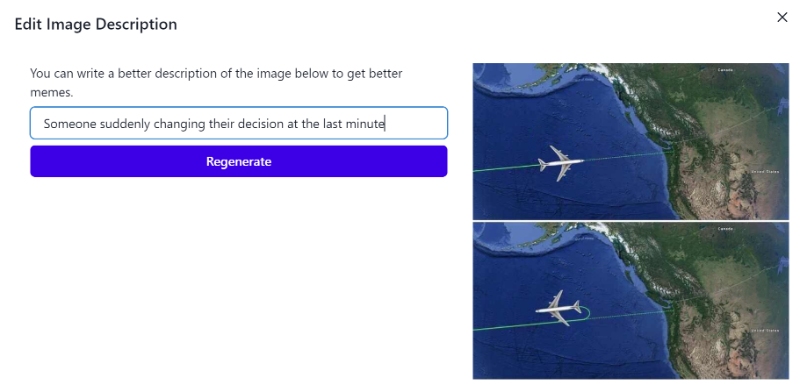
Opening the link brought up an Edit Image Description dialog. We replaced the literal map description with a situation that matched the reversal:
Someone suddenly changing their decision at the last minute
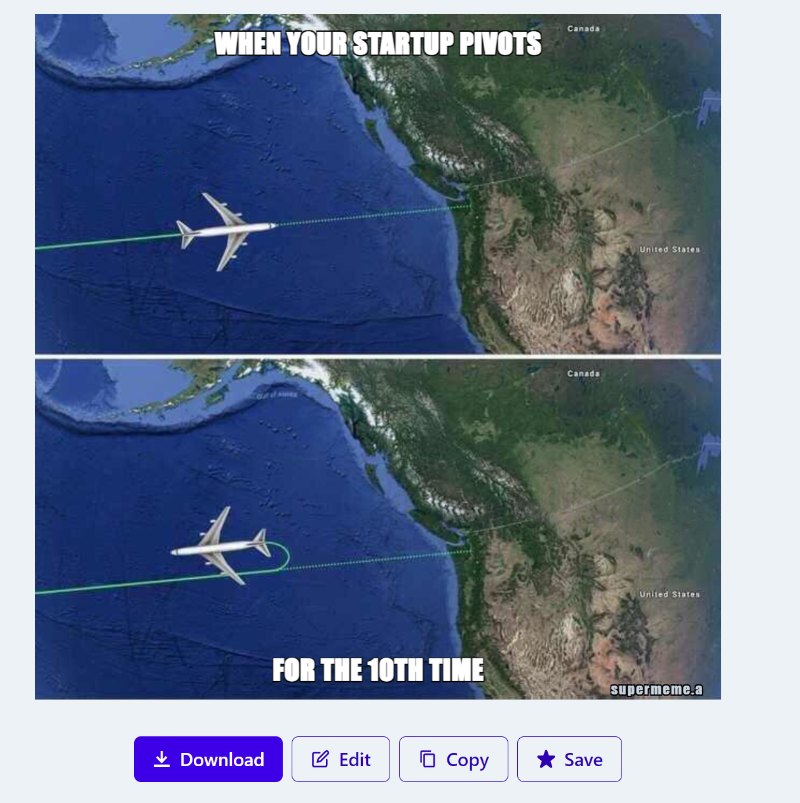
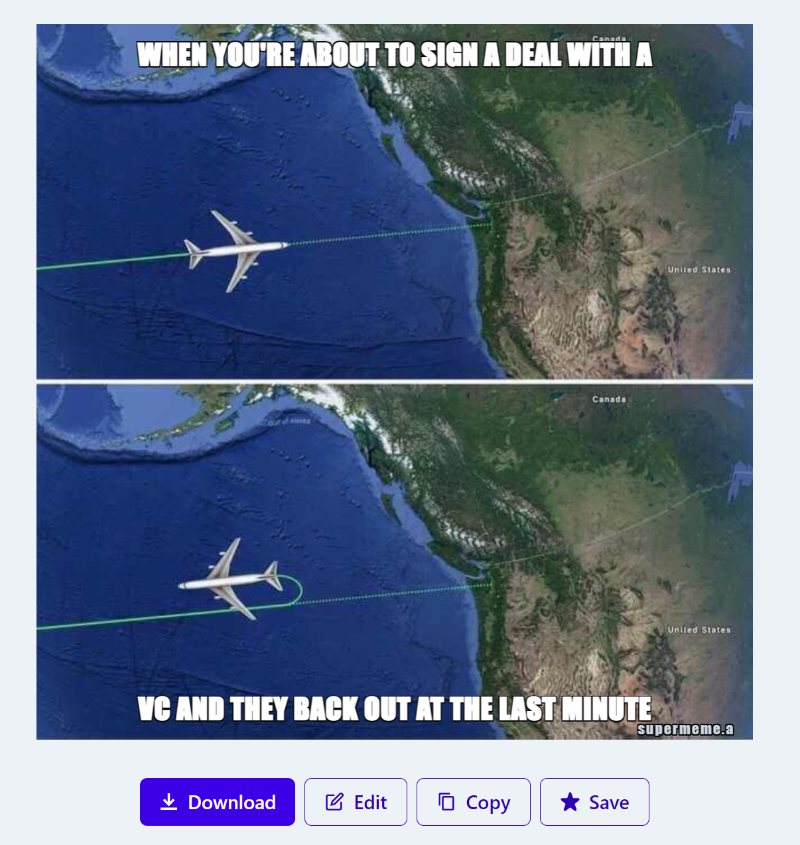
The following examples appeared later in the tutorial: a startup pivoting for the tenth time and a venture capitalist backing out of a deal at the last minute. Both captions give the reversal a role in the joke: a plan changes after someone has committed to a direction.
Describe the situation behind the image, then read the caption against its action. For this template, a sudden change of plan is a more specific starting point than simply describing a flight.